Antigravity and Oh My Pi now work in Pragma
Google's Antigravity CLI and Oh My Pi join the official plugin index. Install either from the gallery to launch it from Pragma, see its status in the sidebar, answer its questions, and resume it after a restart.
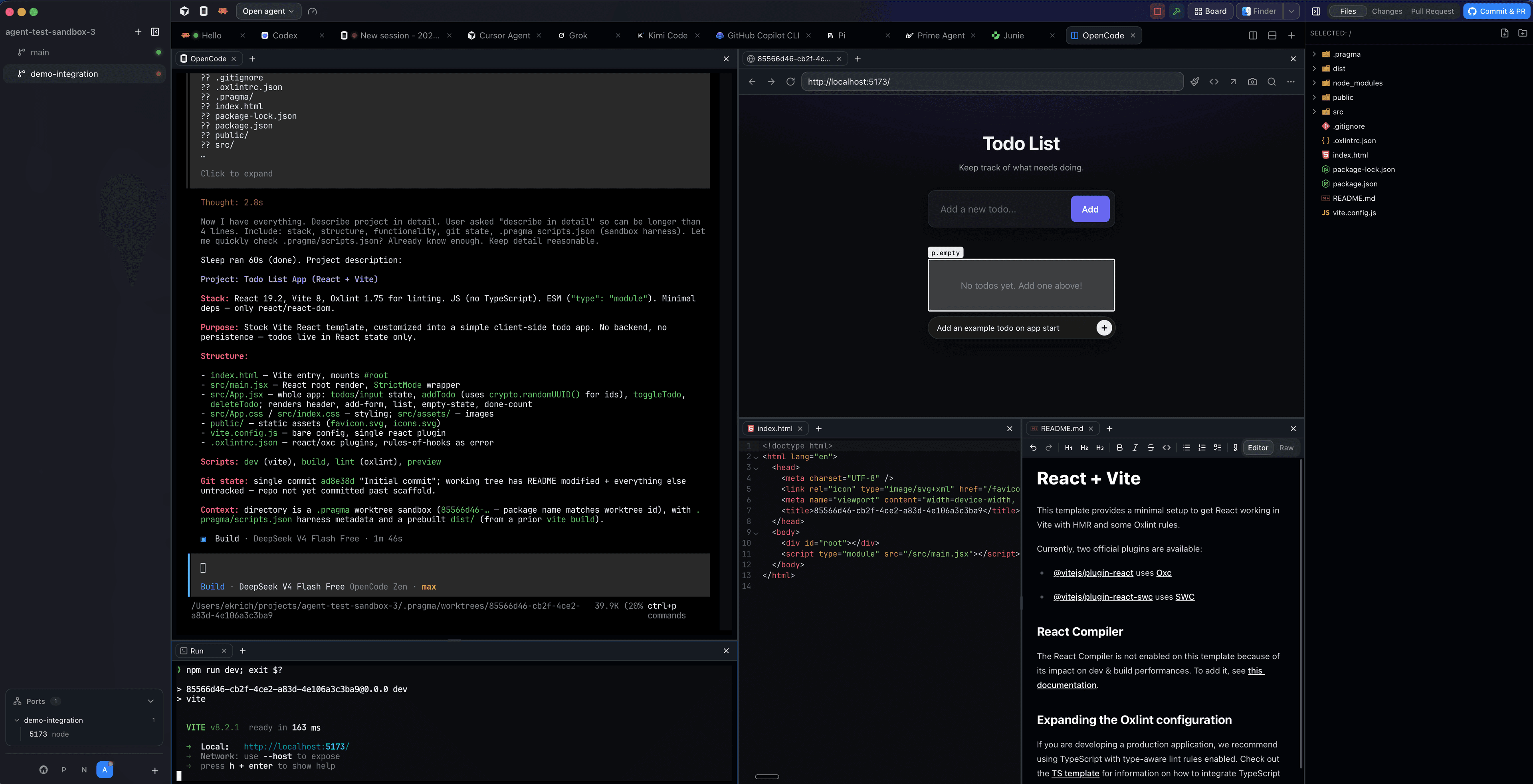
Pragma's official plugin index now has two more coding agents: Google Antigravity (agy) and Oh My Pi (omp). Both shipped as 1.0.0 today and are listed on the plugin gallery beside Claude Code, Codex, Cursor, OpenCode, Pi, and the rest.
Installing them
Open the plugin gallery, pick Antigravity or Oh My Pi, and click Install. Pragma opens, shows the exact install command, and runs it once you confirm. You need the agent itself installed and signed in first: agy for Antigravity, omp for Oh My Pi.
After that the agent appears in every agent picker, including new sessions, new worktrees, fanout attempts, and Auto.
Google Antigravity
The Antigravity plugin installs a native agy plugin that reports through Antigravity's own hooks. What you get:
- Live status. The sidebar shows when
agyis working, when it stops, and the latest thing it said, streamed from its transcript as each step finishes. - Questions and approvals. When
agyasks you something, or stops to ask permission for a command, the tab needs your attention and the question appears in Pragma, so you can find the agent that is waiting without opening every terminal. - Sub-agents. A turn that hands work to sub-agents only counts as done when the last one finishes.
- Models and permission modes. The picker lists the models
agy modelsreports, plus Antigravity's modes: its default, ask before every command, accept edits, plan, and skip permissions. - Usage limits. Your Antigravity quota appears alongside your other accounts in Pragma.
- Resume. If Pragma's server restarts while
agyis mid-conversation, the tab comes back in the same conversation.
Oh My Pi
Oh My Pi is a fork of Pi with a much larger runtime: subagents, plan mode, approval modes, and structured ask forms. Its plugin is an omp extension built on the same foundation as Pragma's Pi integration, with its own handling for everything omp adds:
- Live status for each turn, with the assistant's reply streamed into the sidebar.
askforms as Pragma questions. When omp asks you to fill in a form, its fields show up as a question in Pragma.- Subagents. A turn that spawns subagents stays busy until the last one settles.
- Models come straight from
omp models. - Resume. An interrupted session comes back with
omp --resume. omp only writes a new session to disk after its first completed turn, so a session that never finished a turn has nothing to resume.
Pragma doesn't yet show usage limits for Oh My Pi, or ask you to approve its commands. omp stores its credentials in its own database, not a file Pragma reads, and by default it runs tools without asking, so it has no approval step for Pragma to hook into.
Twelve agents, one sidebar
With these two, Pragma has official integrations for twelve coding agents. Each one is an ordinary npm package that installs through its own tool's plugin system, so if your agent isn't on the list, the plugin docs show how to build one.