Introduction
Pragma is an agentic development environment — every coding agent in its own git worktree and native TUI, with an agent board, git and GitHub, editors, automations, and a plugin API around them.
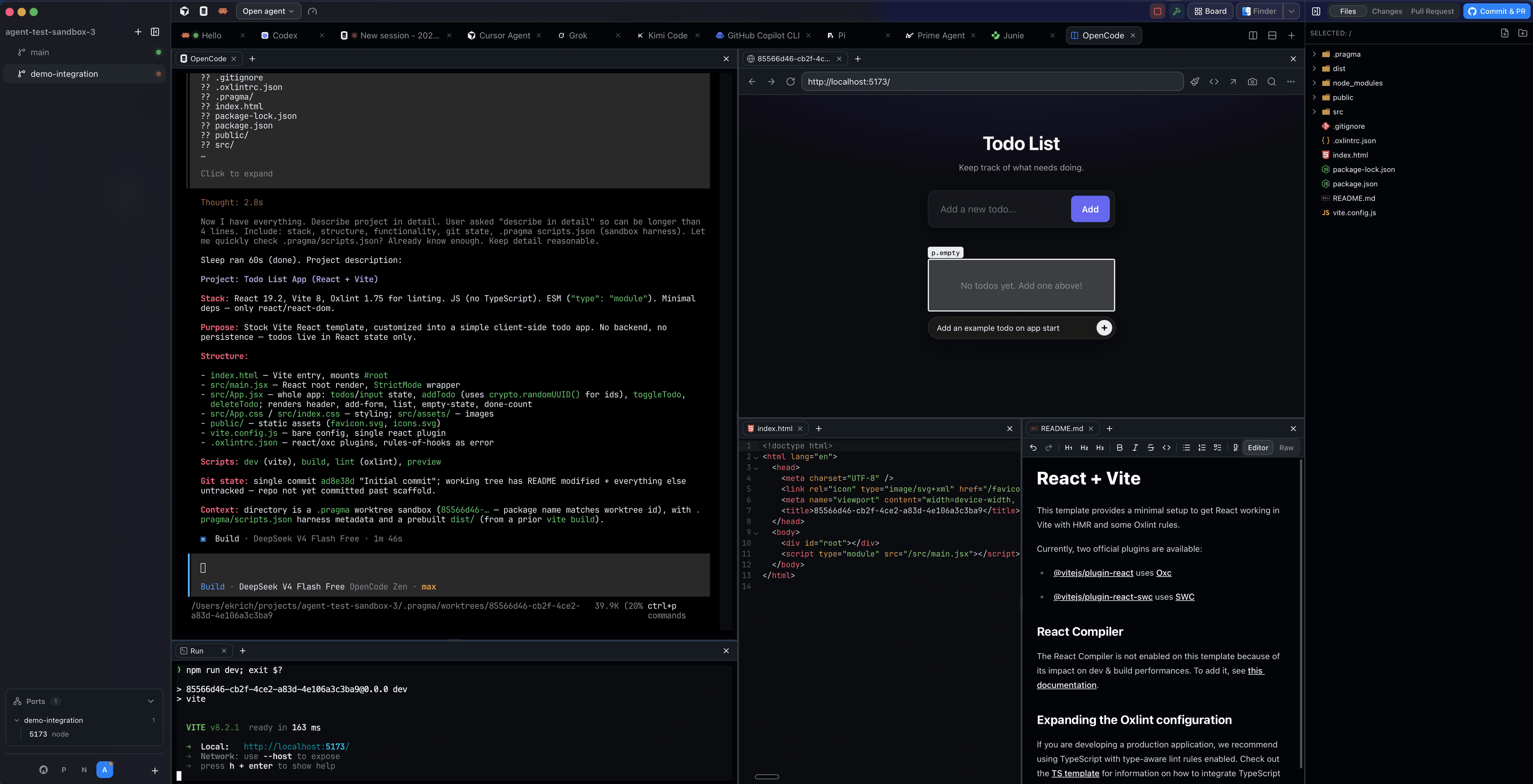
Pragma is a desktop app for running teams of coding agents. Switch projects from the rail, launch any agent — Claude Code, Codex, opencode, Cursor, and more — and get told the moment it finishes. Every agent runs in an isolated git worktree, in a real terminal, so parallel work never collides.
Platforms
Pragma targets macOS, Linux, and Windows, plus iOS, iPadOS, and Android through the Pragma Go mobile client and the browser build served by the gateway.
Where to start
User guide
Install nothing twice: create your first worktree, run an agent, review its changes, and ship a pull request.
CLI
pragma-cli — the control surface agents use to create worktrees, report status, fan out, and publish scratchpads.
SDK
@pragma-sh/sdk — a typed TypeScript client for the gateway: sessions, agent events, fanouts, scratchpads, and the workspace.
Automations
Cron and event tasks that run on the host, written with defineAutomation from @pragma-sh/automations.
Plugin development
Extend the desktop app with sidebar tabs, commands, custom agents, usage-limit providers, and themes.
Wiki
Internal documentation: how the server, client, gateway, and protocol fit together.
How the pieces fit
The desktop app owns the UI: the project rail, worktree tree, terminals, agent board, files, diffs, and pull requests. It talks to a persistent host server over a local Unix socket; the server owns PTY sessions, scrollback, agent status, and sidecars. A gateway exposes the same host over HTTP for the mobile client, the browser build, and the SDK. pragma-cli is installed into your terminals automatically so agents can operate the workspace they run in.
Each documentation section covers one layer of that story — start with the user guide and go deeper from there.