Resolving a merge conflict in 4.5 seconds
We timed Pragma's Resolve Merge Conflicts button against OpenCode on DeepSeek V4.1 Flash, ten runs each on the same pull request. Here's the method, the numbers, and where it still falls short.
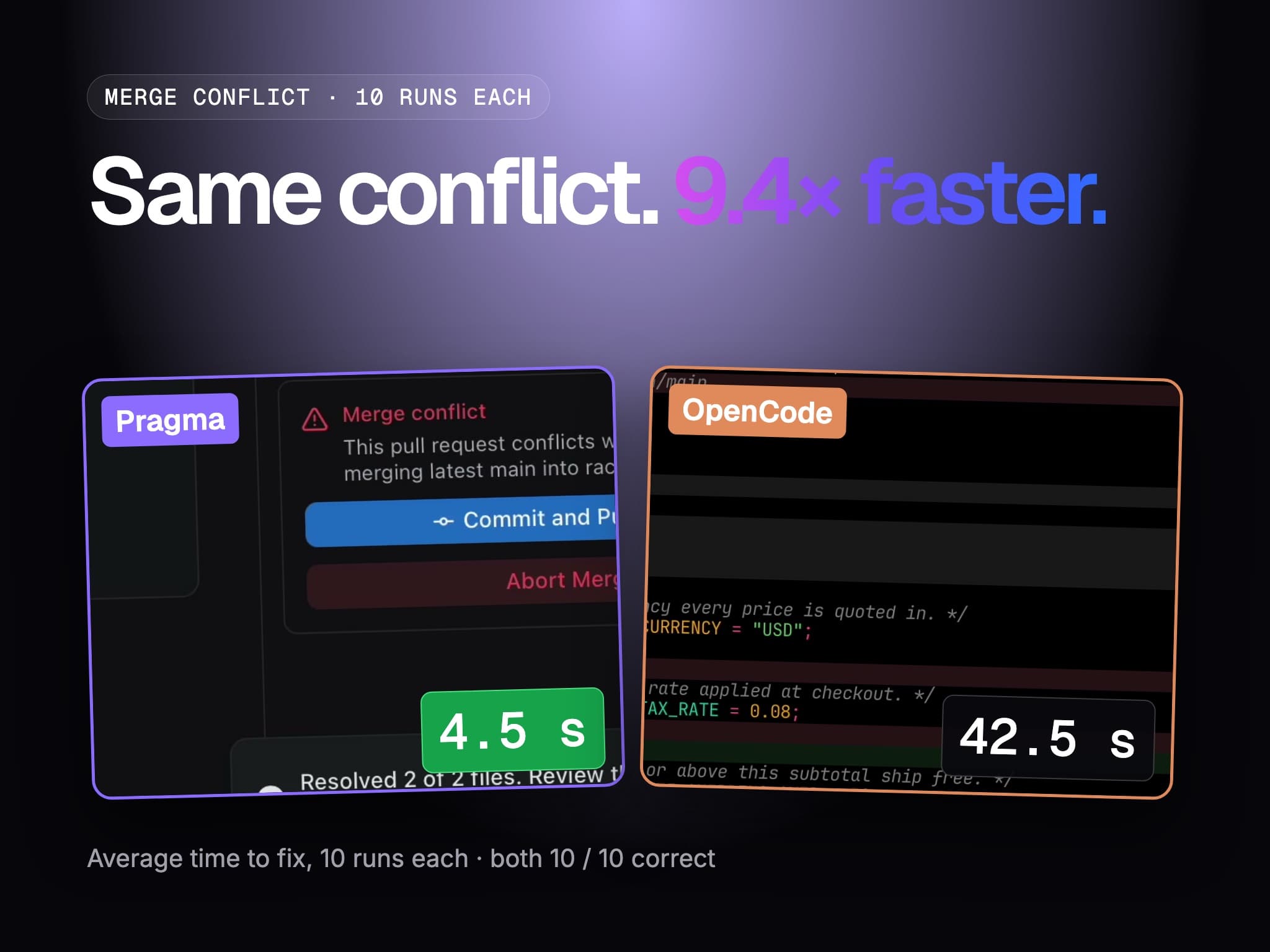
Most merge conflicts aren't hard. Two branches add a line in the same spot, and the right answer is to keep both. A coding agent can fix that, but it gets there the long way: it reads the files, plans, edits, re-reads, and runs the tests. That takes a while for a problem that is mostly a multiple-choice question.
Pragma's Resolve Merge Conflicts button treats it as one. We wanted to know how much faster that is, and whether it gets the answer right as often, so we measured it.
The result
Same pull request, same conflict, ten timed runs each:
| Pragma (Resolve Merge Conflicts) | OpenCode (DeepSeek V4.1 Flash) | |
|---|---|---|
| Average time to fix | 4.5 s | 42.5 s |
| Median | 3.0 s | 42.0 s |
| Fastest to slowest | 2.7 – 16.9 s | 29.4 – 60.3 s |
| Fully correct resolutions | 10 / 10 | 10 / 10 |
On average Pragma was 9.4× faster, and both sides produced a correct merge every time. Nine of Pragma's ten runs finished in under 5 seconds. The tenth took 16.9 seconds, and it pulls the average up from the median.
We also cut the comparison into a 30-second YouTube Short, with both runs playing side by side against a real clock.
How the button works
The card appears in a pull request's merge section when the branch conflicts with its base. Pressing it:
- Syncs with the base. Pragma merges the base branch into your worktree, leaving the conflict markers in place.
- Asks a System 1 model. Every conflicted file becomes one request to a System 1 model, and all files go at once. Each conflict is asked as two questions. The first is a choice between the four standard resolutions: ours, theirs, both with ours first, or both with theirs first. The second is how much damage a wrong answer would do. The model answers both with calibrated probabilities rather than prose, in well under a second.
- Escalates only when it's unsure. If any conflict in a file scores low on confidence or high on risk, that whole file goes to your built-in AI's high-tier model, along with System 1's answers. In this benchmark no file needed it.
- Stages the result for review. The card reports "Resolved 2 of 2 files" and offers Commit and Push Fixes. Nothing is committed until you press it.
The git side runs on the host. Before writing a file or committing, it re-checks that the merge in progress is still the one it resolved, so a resolution can't land on a different merge.
How we measured
We wanted the clock to measure the same thing on both sides, without changing either one.
- The fixture. A small TypeScript repository with a pull request that conflicts with
mainin two files.src/config.tsis the first: the branch addsTAX_RATE = 0.08, whilemainaddedFREE_SHIPPING_OVER = 50andMAX_ITEMS = 100in the same spot.README.mdis the second, where each side adds a line describing its feature. The right fix keeps both sides of each conflict. - The same start state every time. Before each run, the worktree and the remote branch were reset to the same commit with no merge in progress.
- The same clock. It starts at the click in Pragma, and when Enter is pressed on the prompt in OpenCode. It stops when git reports the merge has no unmerged paths left, which we polled every 200 ms. We didn't read either tool's own status to stop it.
- Commit and push aren't timed. Pragma stages its fix and waits for you, while the agent commits and pushes on its own. Timing only the fix keeps the comparison fair.
- Grading. At the moment the clock stopped, we took a snapshot of the worktree and graded it. It had to have no conflict markers, pass the repository's own tests, keep all three constants with the right values, and keep both features' lines in the README. A run counts as correct only if it passes every check.
- Warm-up. Each side got one untimed warm-up run first. The ten runs in the table come after it.
The OpenCode side ran headless, with opencode run on DeepSeek V4.1 Flash through OpenCode Go. Its prompt was "please fix the merge conflict, commit and push". For the filmed takes we launched the agent through Pragma with the same prompt. We left price out of the comparison because DeepSeek V4.1 Flash is cheap enough that the difference is small.
Try it
You need built-in AI and a System 1 model set up in Settings → AI. Then open a pull request whose branch conflicts with its base and press Resolve Merge Conflicts. The GitHub guide covers the rest, including Abort Merge if you don't like what it staged.