- New release
Pragma 1.2: Agents that pick themselves
System 1 models choose the agent, model, and effort for every launch, show how far each agent has got, and resolve merge conflicts. Plus a new home for every account your agents sign in to.
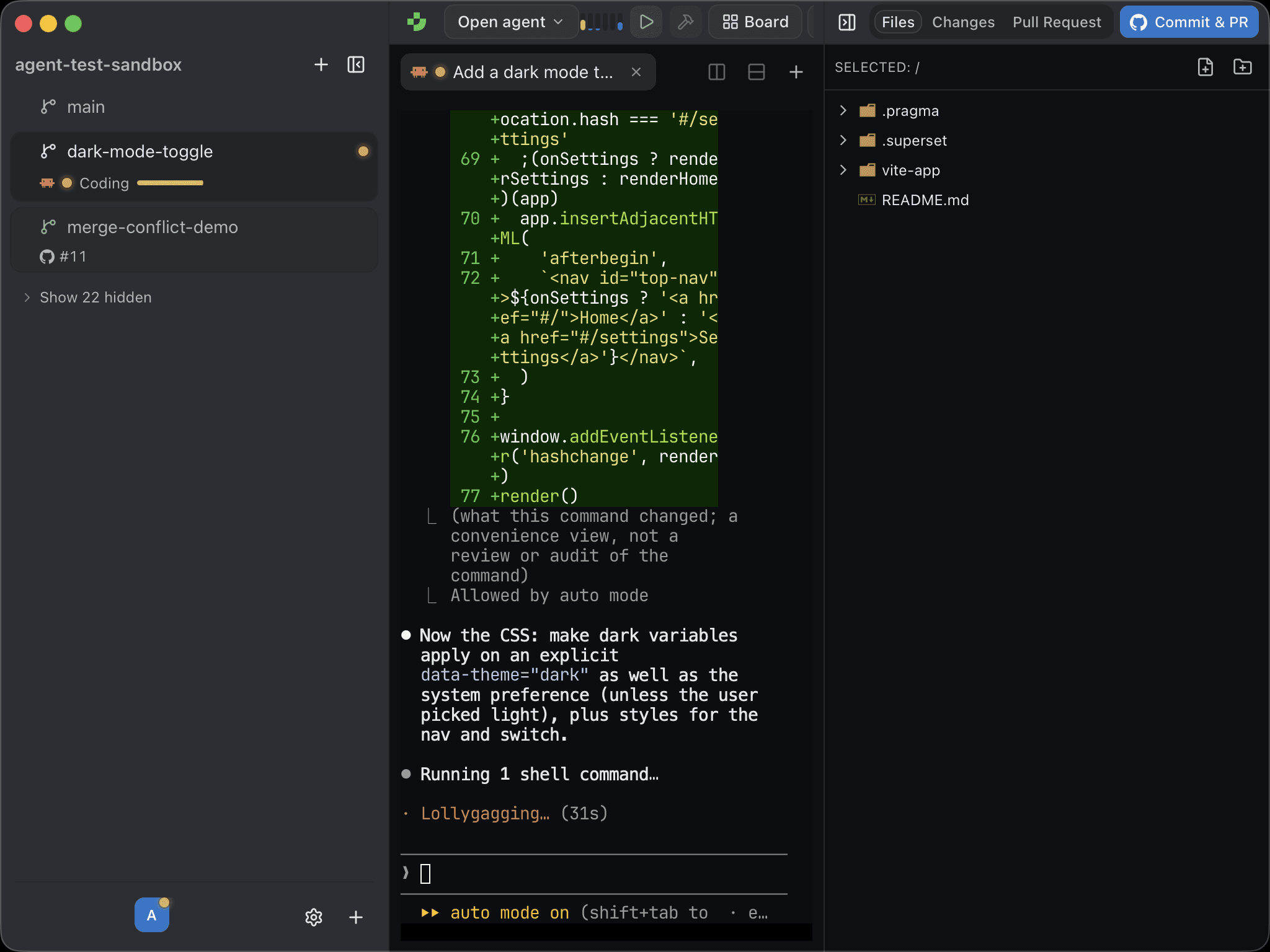
Running several agents at once raises the same few questions over and over. Which agent should take this task? How far along is each one? Whose subscription is about to run out? Pragma 1.2 answers all three, and it resolves the merge conflict waiting at the end of the pull request too.
Download Pragma 1.2, or let the app update itself.
System 1 models
Pragma 1.2 adds support for System 1 models. A System 1 model is a fast classifier, not a chat model. It writes no text. It reads a situation and answers typed questions with calibrated probabilities, in well under a second. Pragma uses TypeSafe's Jev by default, and any endpoint that speaks the same contract works, including OpenRouter.
Connect one in Settings → AI, or from the AI step of onboarding, and it powers the three features below. We've written a separate post on how it all works.
Auto: let the model pick
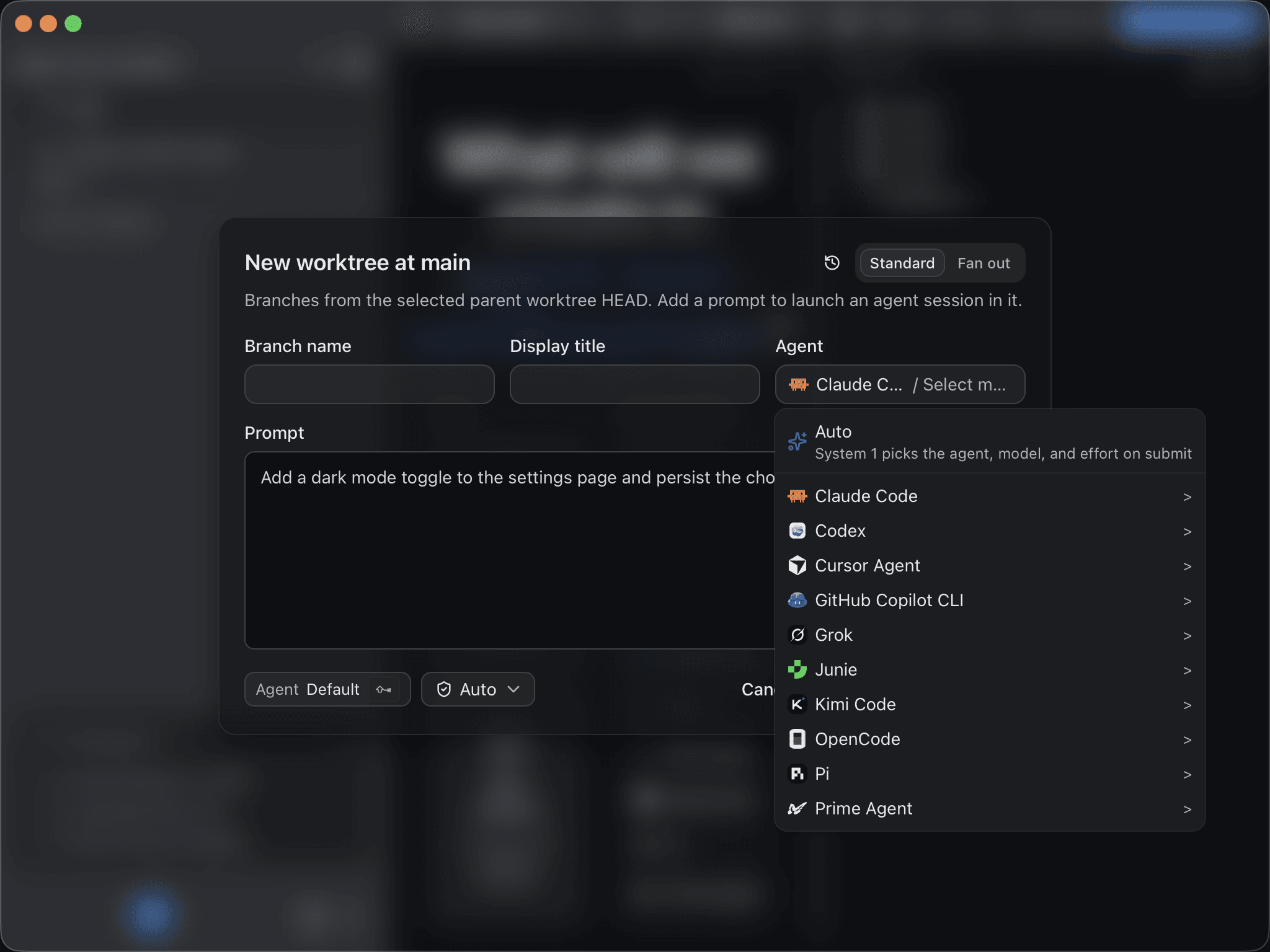
Every agent picker in Pragma now has an Auto row at the top. Write your prompt, choose Auto, and submit. Pragma asks the System 1 model which agent, model, and reasoning effort fit the task, and launches with its answer. The pick weighs your prompt against live Terminal-Bench harness results and model benchmarks, plus your own rules in automode.md. A trivial fix gets a fast model at low effort. A multi-file refactor gets your strongest model.
See what every agent is doing
Status dots told you an agent was running. They didn't tell you whether it was still reading the codebase or nearly done. Sidebar rows now show one line per agent. With a System 1 model connected, that line names what the agent is doing (Planning, Exploring, Coding, Testing, Verifying, Wrapping up, and more) next to a progress bar. Pragma refreshes the estimate each time the agent writes a new message.
Rows also show the worktree's open pull request and any git action in progress, such as Committing, Drafting PR, or Pushing. Prefer the old look? Settings → Sidebar → Compact rows folds every row back to one line.
Resolve merge conflicts with AI
When a pull request conflicts with its base, the merge card now offers Resolve Merge Conflicts. The System 1 model goes through every conflict in parallel and picks ours, theirs, or both, much as you would by hand. It also scores how confident it is and how risky a wrong pick would be. Any file it isn't sure about goes to your most capable built-in AI model, which checks the pick against the code and can write a hand-merged resolution instead. Both models read each branch's commit messages and the PR description, so they resolve toward what each side was trying to do.
Pragma writes and stages the resolved files. Once you've reviewed them, Commit and Push Fixes finishes the job. Details are in the GitHub guide.
Every account, one menu
The old usage popover is gone. In its place is Account providers, a toolbar menu listing every account your agents are signed in to, grouped by provider: Anthropic, OpenAI, Cursor, GitHub Copilot, xAI, and more. Each account shows its plan and how much of its limit is used. Each provider's bar in the toolbar fills to its busiest account, so the one about to stop you is easy to spot.
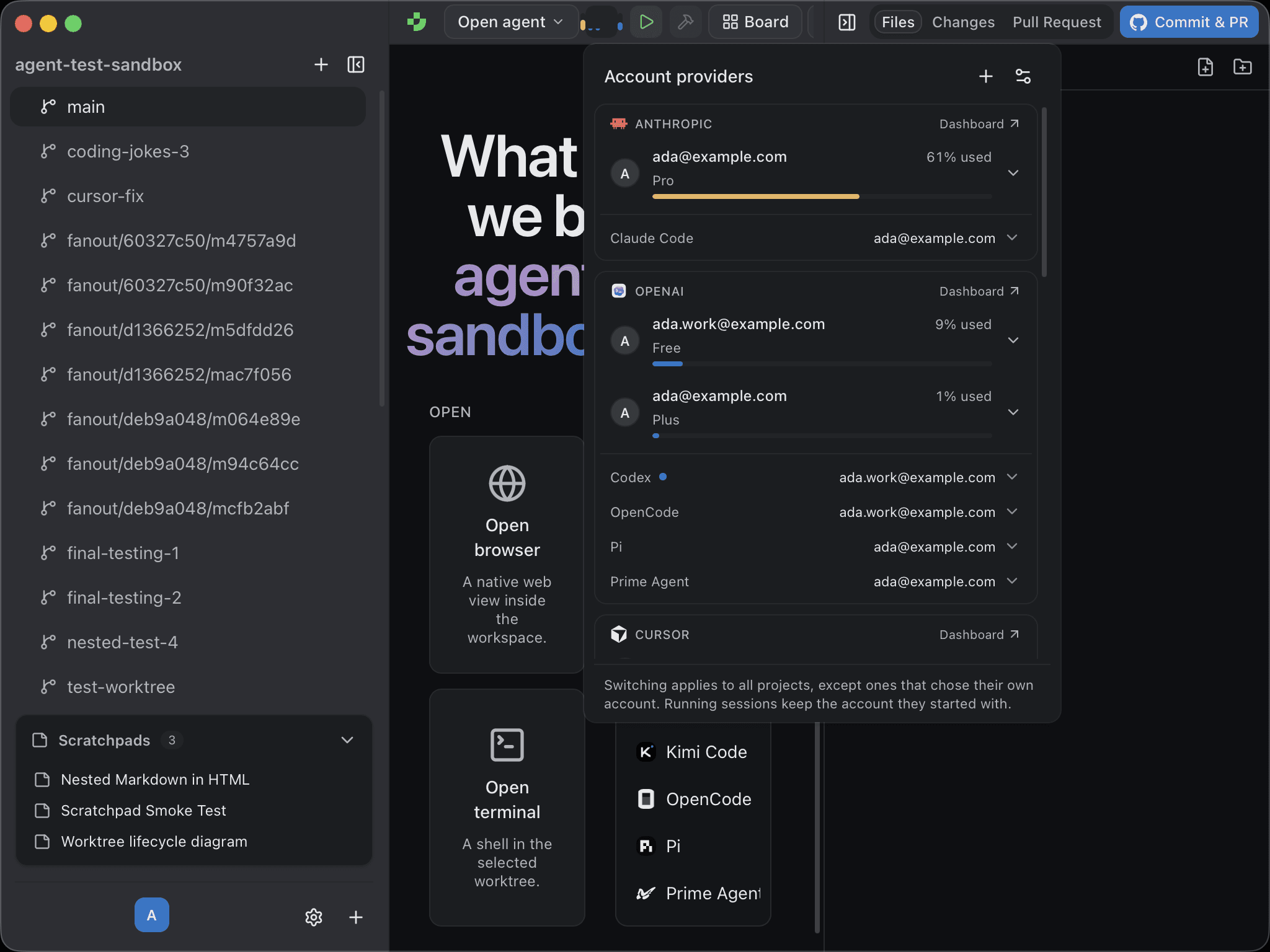
- Switch in one click. Each harness (Claude Code, Codex, OpenCode, Pi, and the rest) has a picker naming the account it launches with. New sessions use the new account, and running sessions keep the one they started with.
- A different account per project. Choose an account for one project only. Work repositories stay on the work subscription, and side projects use your own.
- Add accounts without the terminal. Click +, pick a provider and harness, and Pragma runs that harness's own sign-in for you. Each account gets its own owner-only credential directory.
- Sign in once. If Codex and OpenCode both use the same ChatGPT account, it appears once, and either harness can borrow a sign-in the other already has, wherever the provider allows it.
The Account providers guide covers every harness. Plugin authors can add their own agent's accounts with defineAccounts.
Get 1.2
Pragma 1.2 is available now for macOS, Linux, and Windows. Download it, or read the source on GitHub.